 Vibe
Controller
A NEW WAY TO USE YOUR MAC
Vibe
Controller.
Your game controller.
Now your Mac controller.
01 / LESS REACHING. MORE DOING.
Screenshot.
Speak. Send.
Show your AI what you mean.
Tell it what to do.
Keep your
hands on the controller.
Better websites.Explore our work ↗
Describe what you’d like to change…
B starts area capture. Hold LT and move the stick to select. Y pastes the screenshot into your focused chat.
INTERACTIVE WALKTHROUGH · EXAMPLE UI02 / FAMILIAR HARDWARE. NEW POSSIBILITIES.
Make every
button yours.
Start with Gabe’s Defaults.
Remap any button. Add modifier
layers.
Give each app its own shortcuts.
SCREEN CAPTURE
Give your AI
the full picture.
Capture a region of your screen straight to the clipboard. Hold the left trigger to drag, then press Y to paste.
⌃ ⇧ ⌘ 4Change them in the app’s controller map.
Two sticks. Two speeds.
Cover the screen with the primary stick. Dial in the small stuff with the precision stick.
A second layer of control.
Hold LB or RB to unlock another set of actions. The live app map shows what changes.
Your apps. Your rules.
Set shortcuts for apps on your lead Mac. Everything else falls back to your global mappings.
03 / THE EDGE ISN’T THE END.
One controller.
Your whole setup.
Move across a screen edge to your next Mac. Native Universal Control carries your pointer, clicks, and shortcuts with you.
Install Vibe Controller and its bundled virtual input support on the lead Mac only.
something
good.
❯ ready when you are▍
Illustration · Already set up Universal Control? You’re halfway there. Check Apple’s requirements ↗
04 / READY WHEN YOU ARE.
A few permissions.
Then you’re in.
v0.5.7 · Free macOS beta
Apple silicon · macOS 14 or
later
-
01
Connect & install.
Connect your Xbox or PlayStation controller by USB or Bluetooth. Open the DMG and drag Vibe Controller to Applications.
-
02
Allow Accessibility.
Follow the app’s setup guide to approve Accessibility in System Settings. This lets your controller move the pointer and send shortcuts.
-
03
Enable native handoff.
Install the bundled Virtual Hardware Support and approve its Karabiner Driver Extension. The app checks each step as you go.
An administrator may need to approve the support installer. Nothing is silently installed, and your other Macs don’t need Vibe Controller. Read the setup guide ↗
Which controllers and Macs work?
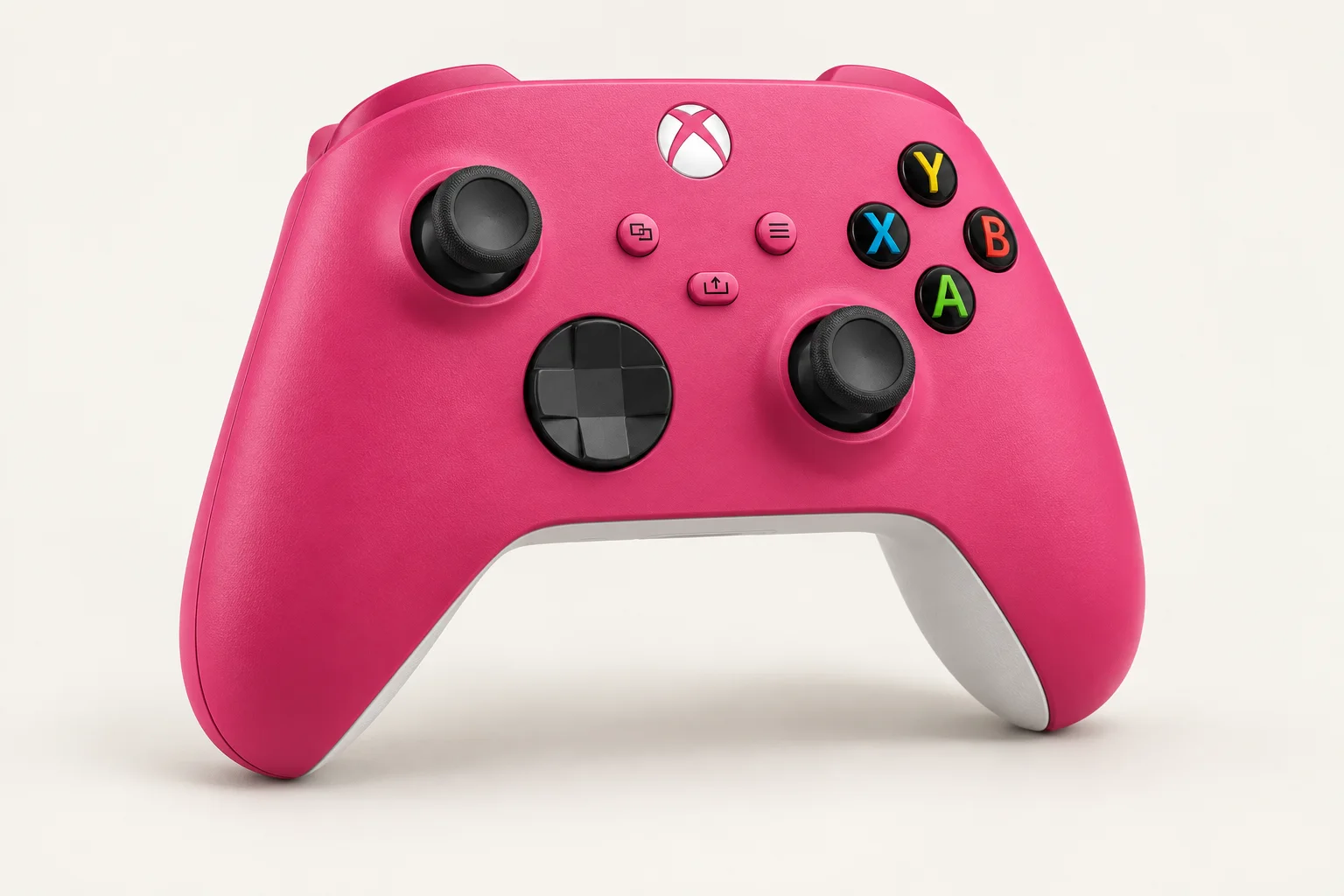
The packaged app runs on Apple-silicon Macs with macOS 14 or later. It supports Xbox-compatible controllers, PlayStation DualSense, and DualShock 4 through USB or Bluetooth. Available controls and vibration depend on the model and connection; some Xbox USB connections do not expose the Share button.
Do I need the app on every Mac?
No, not for native Universal Control. Install Vibe Controller and the bundled virtual input support on the controller-connected Mac. Your other Macs use Apple’s Universal Control. Compatible devices must use the same Apple Account with two-factor authentication, with Wi-Fi, Bluetooth, and Handoff enabled. Apple’s setup requirements.
Are dictation and OCR built in?
Vibe Controller triggers your existing tools. Configure RT / R2 for your preferred dictation shortcut. For drag-to-copy text, we recommend buying TextSniper or using an equivalent OCR utility, then mapping X / Square to its capture shortcut. OCR software is separate and not included. Region screenshots use macOS’s built-in capture.
Do app-specific mappings follow me to another Mac?
Keyboard output follows the Universal Control pointer, but the lead Mac cannot see which app is focused on the other Mac. App-specific mappings follow the foreground app on the lead Mac. Global mappings and controller modifier combinations are the predictable option across computers.
Is it free? Does it need an account?
The beta is free to download, and Vibe Controller does not require its own account or subscription. Profiles stay on your Mac. Updates are distributed through GitHub; macOS Universal Control uses your Apple Account. You can inspect the source on GitHub and report issues there.
What happens when there’s an update?
Installed release builds check GitHub daily, and you can use Check for Updates in the app. Update Now verifies the downloaded release and signing identity, updates the app in place, and relaunches it. Development builds remain separate and link to the releases page instead.
LESS KEYBOARD. MORE POSSIBILITY.
Put your
controller to work.
↙
Pick up the controller you already own. Try something different.
Download for Mac